Install CodeWalker and open your first world
Choose the right download, point CodeWalker at GTA V, and start a project without touching your original game archives.
Getting started
Learn to edit YMAPs, build MLO source and test FiveM maps. Start with CodeWalker by dexyfex or plan a layout in your browser.
Open the free online YMAP editor · Validate a FiveM map ZIP · All browser tools
Free to download. Created by dexyfex
Practical tutorials for your first placement,
your next interior, and the details in between.
Choose the right download, point CodeWalker at GTA V, and start a project without touching your original game archives.
Place a small group of existing props, calculate the map bounds, and turn the result into a resource you can test.
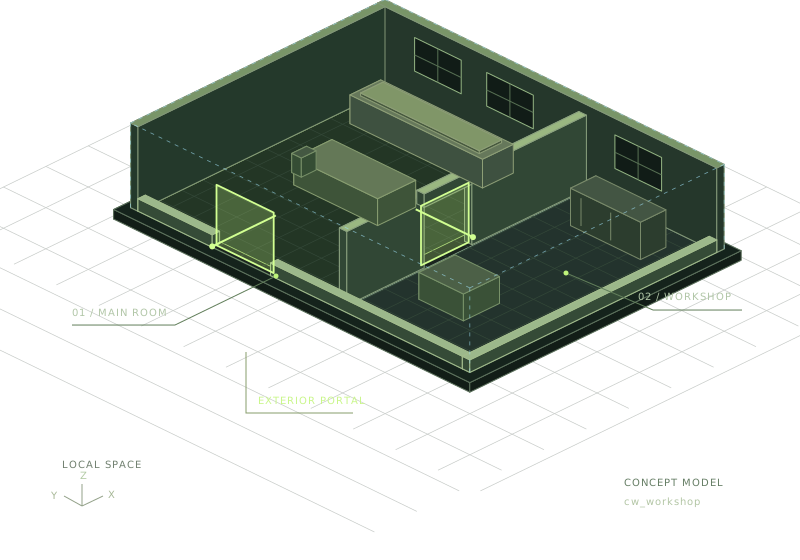
Build a small two-room interior with Blender, Sollumz and CodeWalker, then package and test it as a FiveM resource.
GEOMETRY → ROOMS → PORTALS → WORLDModel it in Blender. Define its rooms. Make the collision work. Bring it all together in CodeWalker and FiveM.
They are not competing map formats. Understand the distinction before choosing a simple prop map or a structured interior.
Give each tool a clear job and stop asking the viewport to prove that the entire asset pipeline works.
Separate source from target-specific exports, follow current conversion guidance, and avoid claiming compatibility you have not tested.
Get CodeWalker, open the world, and make your first change.